
Home Networks Do They Matter?
Token Ring Networks
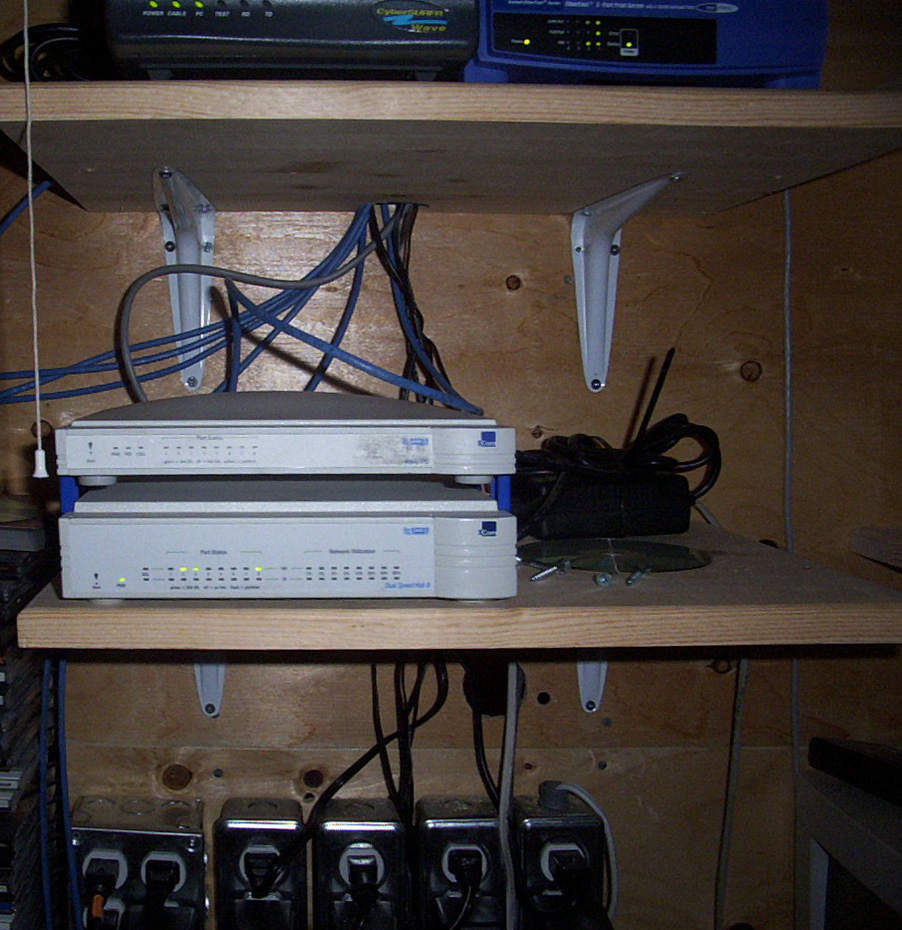
Growing up in the late 80s and early 90s I had enough network knowledge to be dangerous, but probably not enough to know what I was doing. No more proof is needed than the times we would sneak out of the house and drive up to my friends dad's work late at night to tear apart their network. We would re-wire the network so four friends could play a computer game called Warcraft 1. The first few trips were a learning curve trying to figure out how to boot the computers into DOS. We needed to load the correct drivers so we could enable the Token Ring network cards in DOS. We're talking about the good ol' days of autoexec.bat and config.sys! There was no such thing as Google back then, trial and error and a lot determination eventually paid off. After that, every weekend we would play Warcraft 1 into the early hours in our friends dad's offices.
That lasted until my friend's dad walked into the office one weekend at 2 AM and put an abrupt stop to our fun. He did not appreciate our ingenuity, our loud music or the slurpees (slushie) beside the office computers. He were told in very colorful language to stop messing around and put the computers back together. Needless to say, that put an end to our fun.
Copper Networks
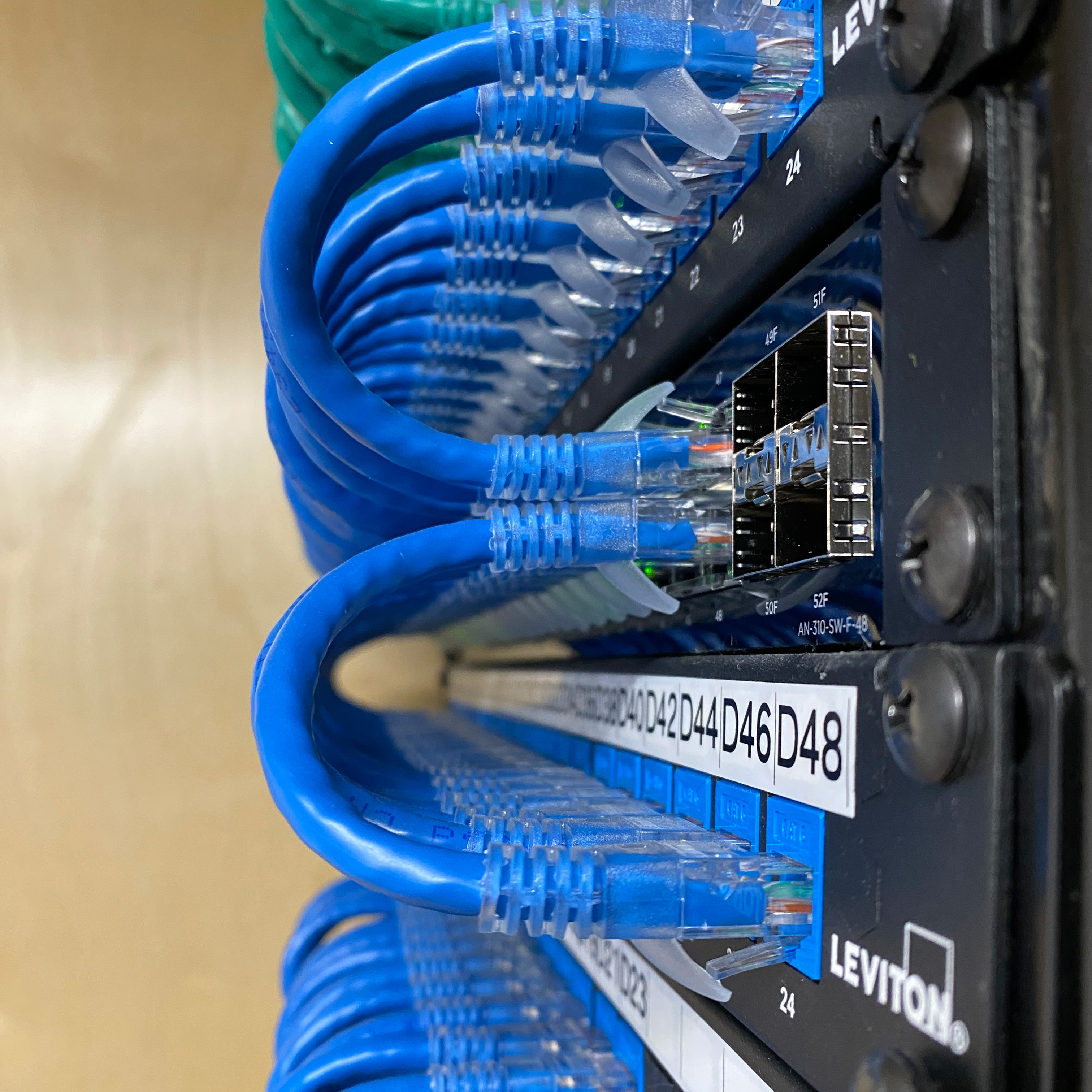
Fast forward a few years and technology advanced to from 4 Mbps Token Ring networks to 10 Mbps copper network switches running on cat5 cables. Gone were the days of coax networks, the next generation of networks were here. This blazing fast speeds ushered in a new generation of network games including Doom, Duke Nukem, Quake, Wolfenstein and so many more for us growing up. In the 1990s and early 2000s network technology kept improving faster than we could keep up. From 10 Mbps -> 100 Mbps -> 1,000 Mbps home networks were evolving at break neck speeds! The 1,000 Mbps was quickly renamed to 1 Gbps (or 1 Gig) and for years this was the standard of home networks. Internet providers were offering cable modems with network ports and future was set.
Wi-Fi Networks
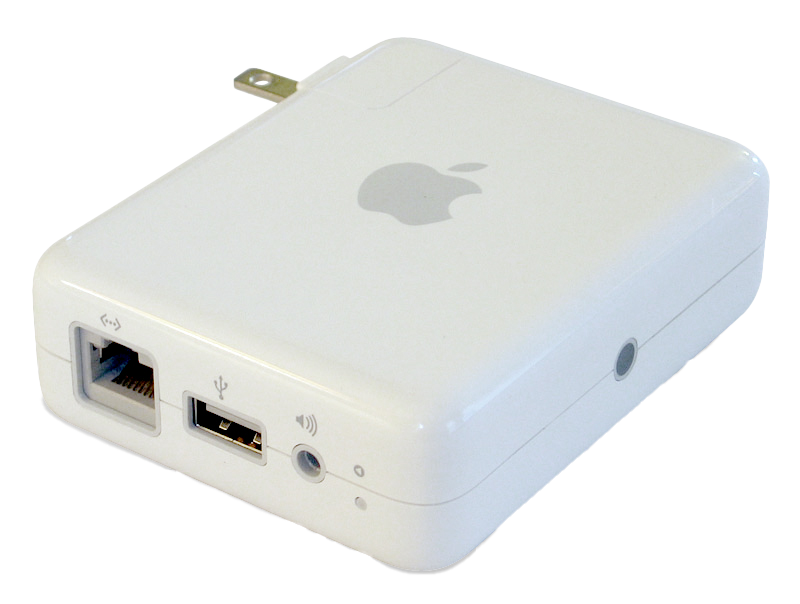
In 2004 Apple released their Airport Express, a wireless router that allowed people to connect laptops and computers via wireless network cards. Laptops needed external Wi-Fi cards/dongles because few had them built in at the time. With this new found technology people gave up speed for the ability to roam and be connected. The Apple Airport Express was limited to just 54 Mbps, it was a big drop from hardwired connections. The total simultaneous connections was limited to just 10 devices, we may look back at that and think that wouldn't be enough. But at the time, 10 connections seemed like an impossible limit to hit. There was no Apple iPads, Apple Watches, Wi-Fi enabled washing machines or dryers. This limit of 10 devices seemed like a high ceiling. As more and more devices started becoming wireless our need for better and faster Wi-Fi grew. Over the years we went from 11 Mbps, to 54 Mbps, to Wi-Fi 4, Wi-Fi 5, Wi-Fi 6 and now Wi-Fi 7.
Welcome to 2026
Like a lot of things in life, not all things are created equally. Consumer level products are not the same as executive or commercial grade units. Wi-Fi from one company can be more problematic than another. While inexpensive network products may be appealing, they often cause more problems than they solve. Take for example Wi-Fi boosters (repeaters), many Wi-Fi boosters (repeaters) add an extra relay point in the communication chain. Rather than going from your phone to the router (access point), it needs an extra 'hop'. So now it goes from your phone, to the booster, to the router (access point). Every time you add a booster you could be cutting your speed down by 50% because it has to repeat everything that is said and heard on the Wi-Fi. If your Wi-Fi speed is 500 Mbps and you have one repeater, you could only be getting 250 Mbps now. Adding a second booster could lower your speeds down to 125 Mbps. That's a big reduction from your starting 500 Mbps. The delays and disconnects may be causing additional issues. EVS always advocates for removing Wi-Fi boosters (repeaters), we have found them to be very problematic.
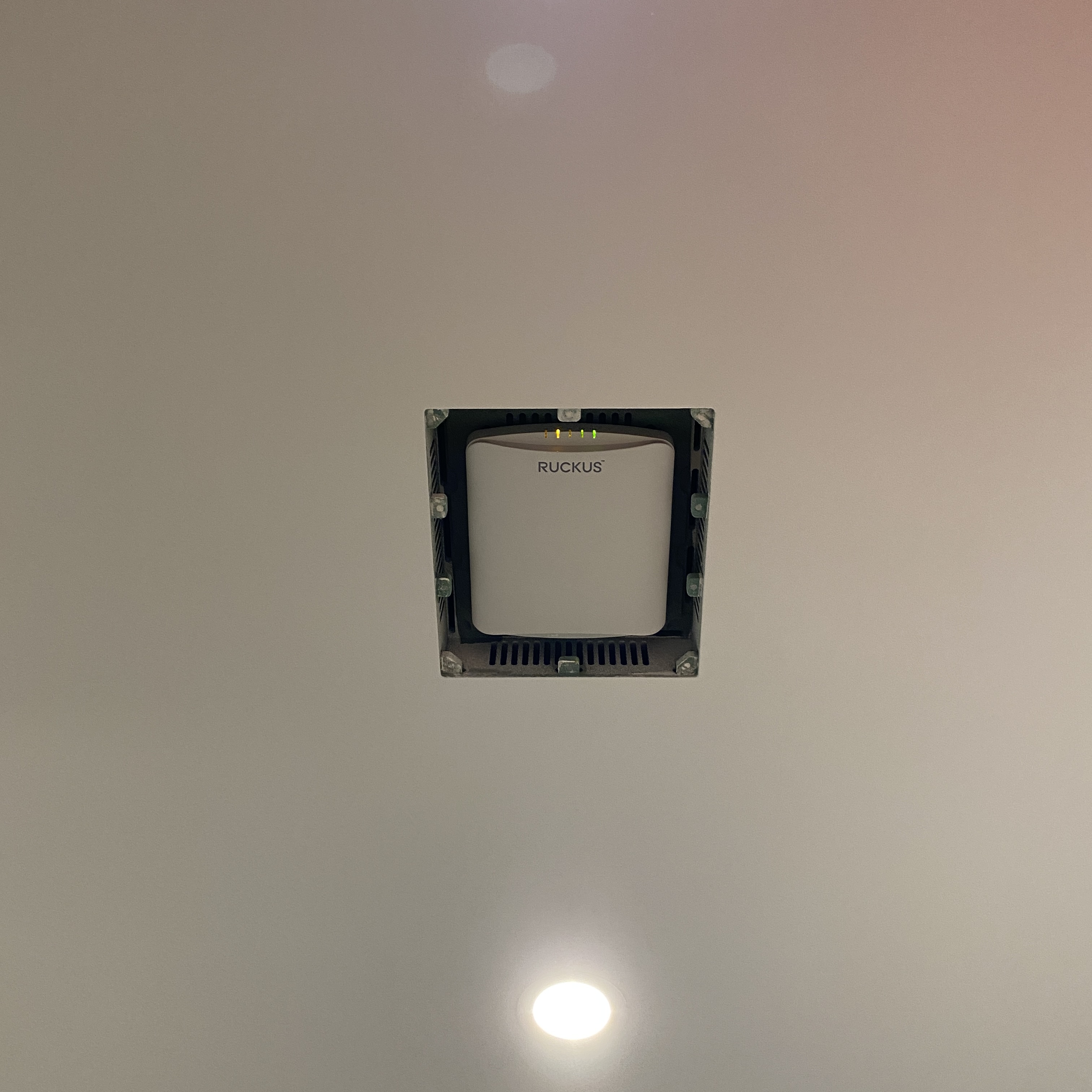
EVS exclusively uses executive / commercial grade Wi-Fi (access points). Whenever you're in a mall or an airport and look up and see a square or rectangle box on the ceiling, there's a good chance it's an executive grade Wi-Fi system. These type of systems allow the installer to 'hard wire' each unit back to the network headend. This ensures each wireless client gets the best possible signal. It creates the best user experience possible and is standard in every EVS installation!

Today's Homes Demand Better Networks
Many of our clients have over 75 wireless devices on the network. Whether it's the kids with multiple wireless devices, parents with work and personal laptops, and home devices like smoke detectors, ovens and washing machines, it's a crowded Wi-Fi now a days. It's more important than ever to ensure your network can support not only the number of connections but also support the speeds that each device is hungry for. Whether it is downloading large files for work, uploading YouTube videos, playing video games with your online friends or streaming the hottest reality TV show, every device wants the maximum amount of speed it can handle.
Pick Your Network Admin
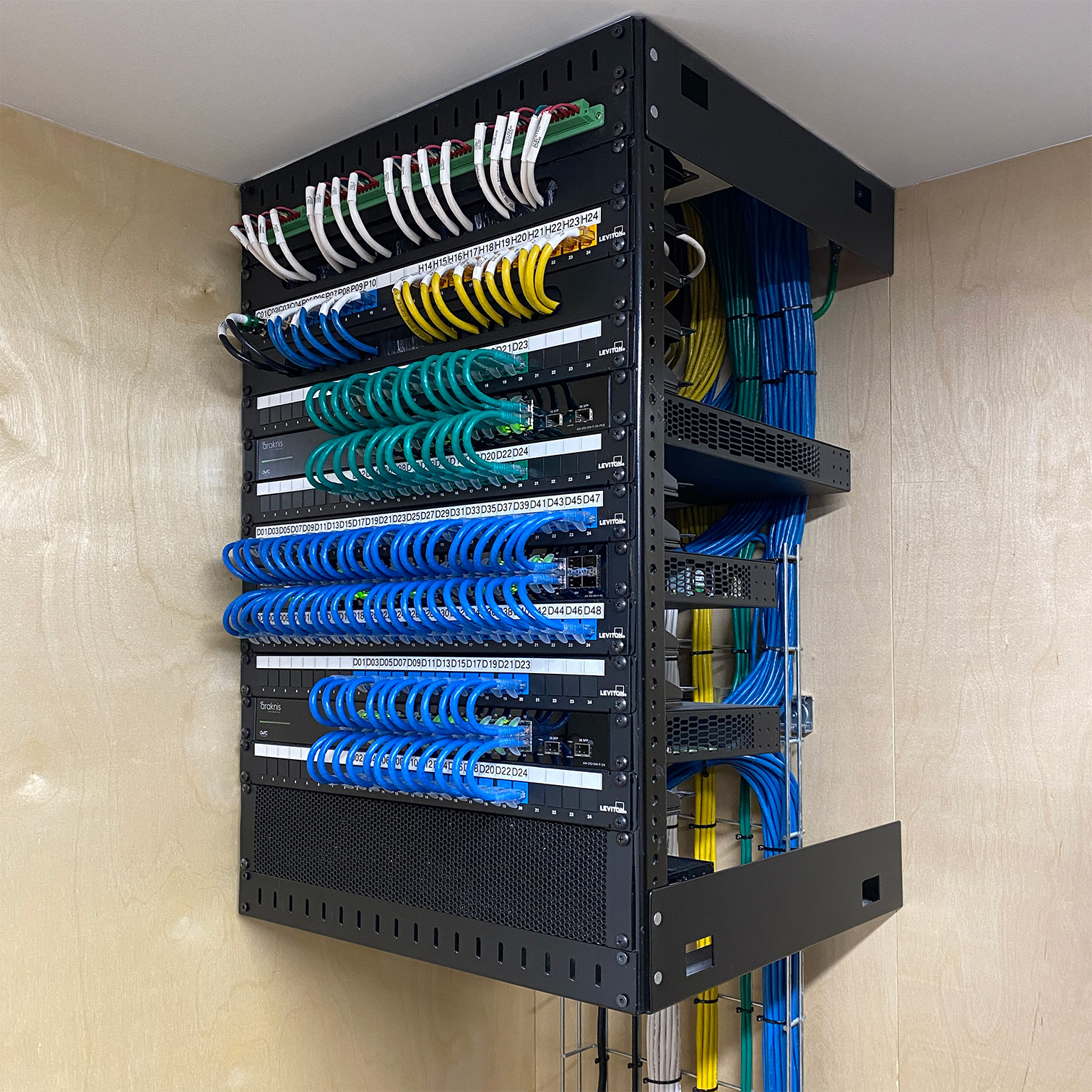
Your network will run at their optimal when they are designed and managed by someone who has years of experience and a wealth of knowledge. Setting up the networks correctly is just as important as what hardware is selected. Control4 has an in depth course that helps teach about network design and installation.
Control4's PCNA, Professional Certified Network Administrator, is the only AV and automation-centric networking certification that combines guided, hands-on learning with expertly-developed, award-winning curriculum. It focuses on the networking knowledge and experience that custom integrators need to deploy better, more robust networks—particularly networks that support AV and automation systems—which ultimately leads to a more effective team of technicians and happier customers.


Home Wi-Fi & Network Tips
- Determine the amount of both wireless and hardware devices that will be used.
- Select commercial and/or executive grade equipment that best suits the application.
- Design a network that can easily be upgraded over time.
- Make sure to account for PoE (Power Over Ethernet) devices including cameras, doorbells and intercoms.
Absolutely home Wi-Fi and networks matter! It's important to go with high quality commercial and/or executive grade equipment. Today's homes are connected more than ever to the internet. Every year we see new devices and technology that require internet connectivity. It's important to design and install a high end Wi-Fi and hardwired network not only for today, but one that can easily be upgraded in the future.
Contact EVS today to see how we can help design and install a Wi-Fi and hardwired network system for you.